
^title: FiveM | BazuFix MDT ~v2
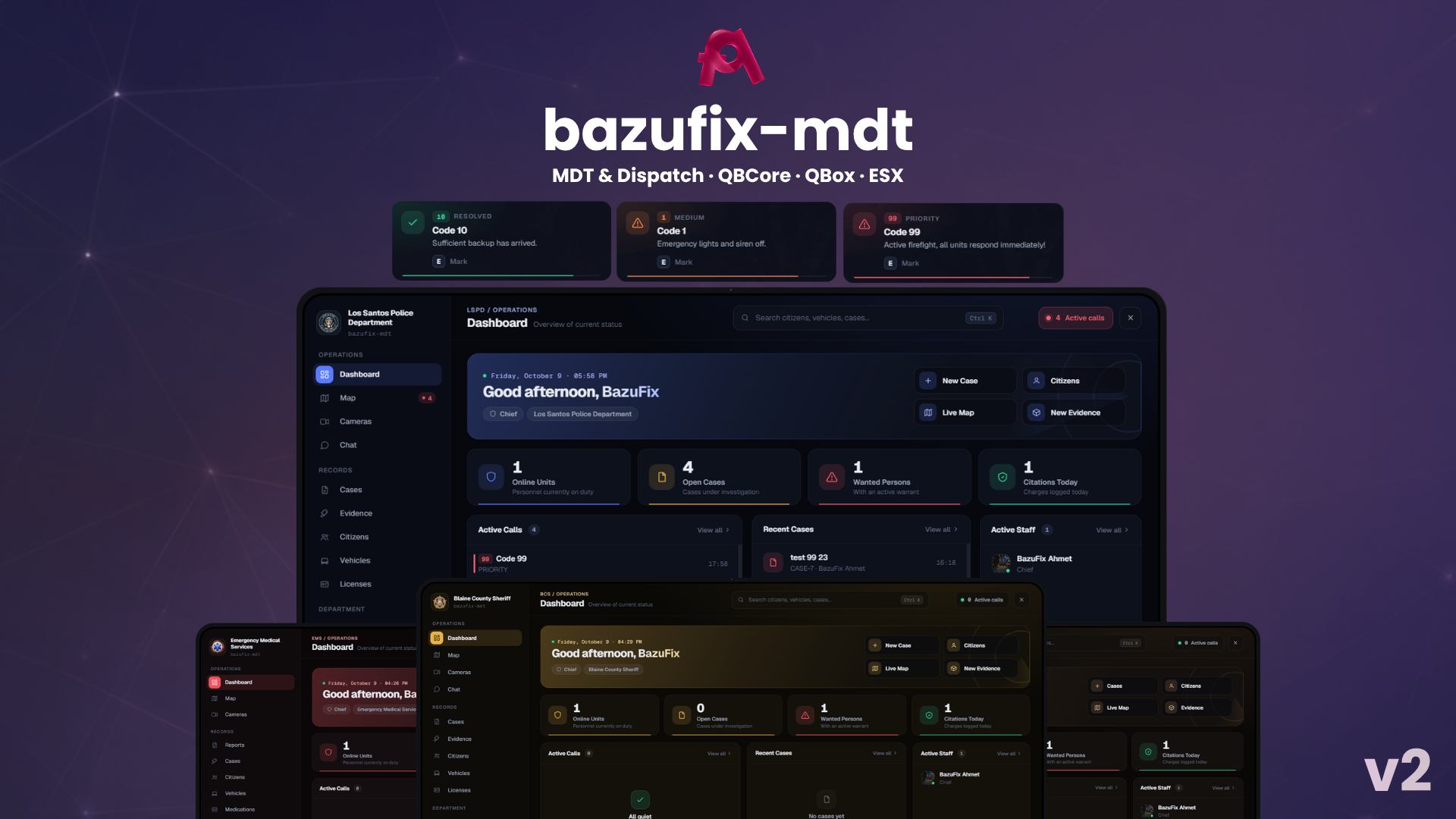
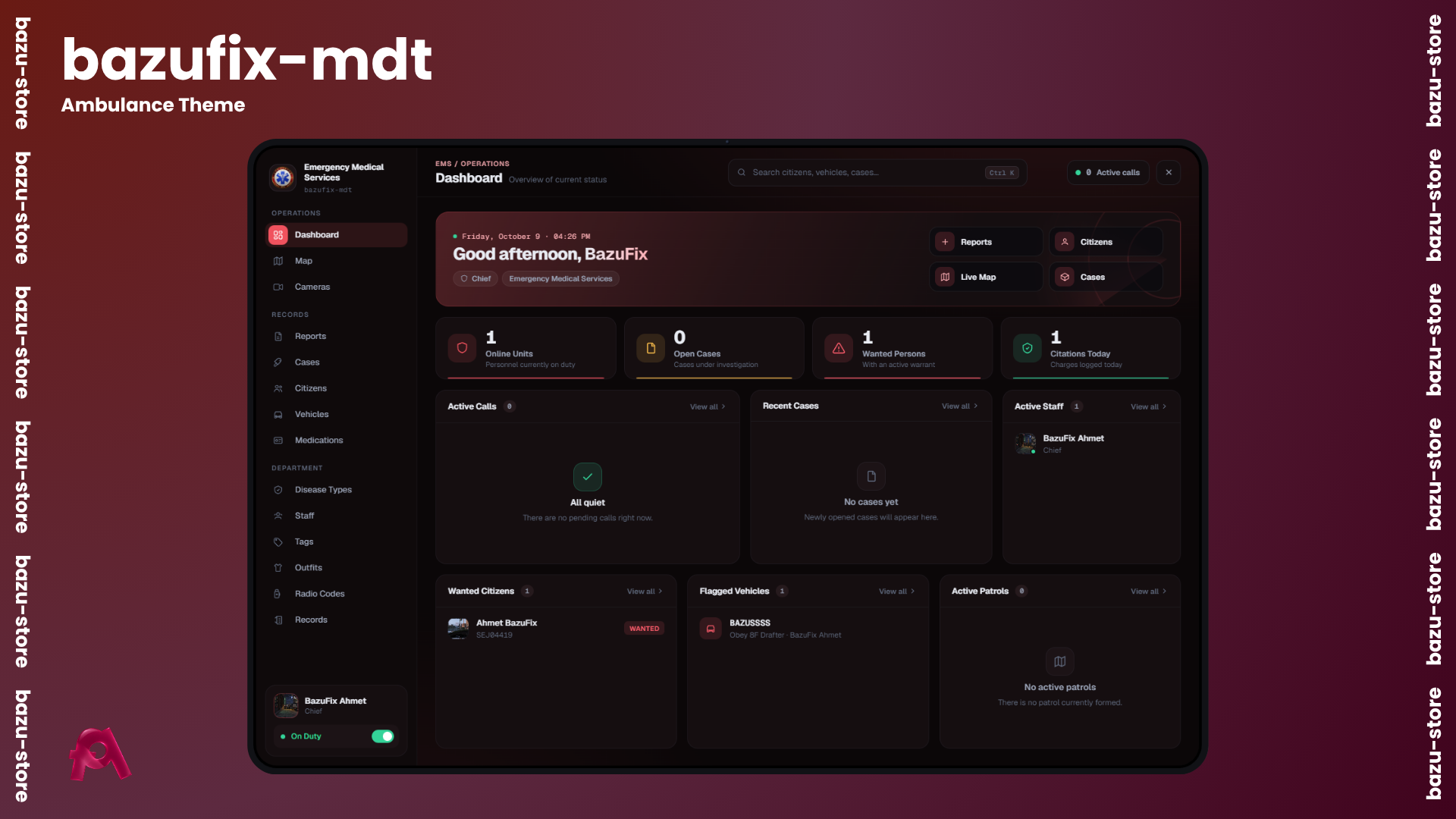
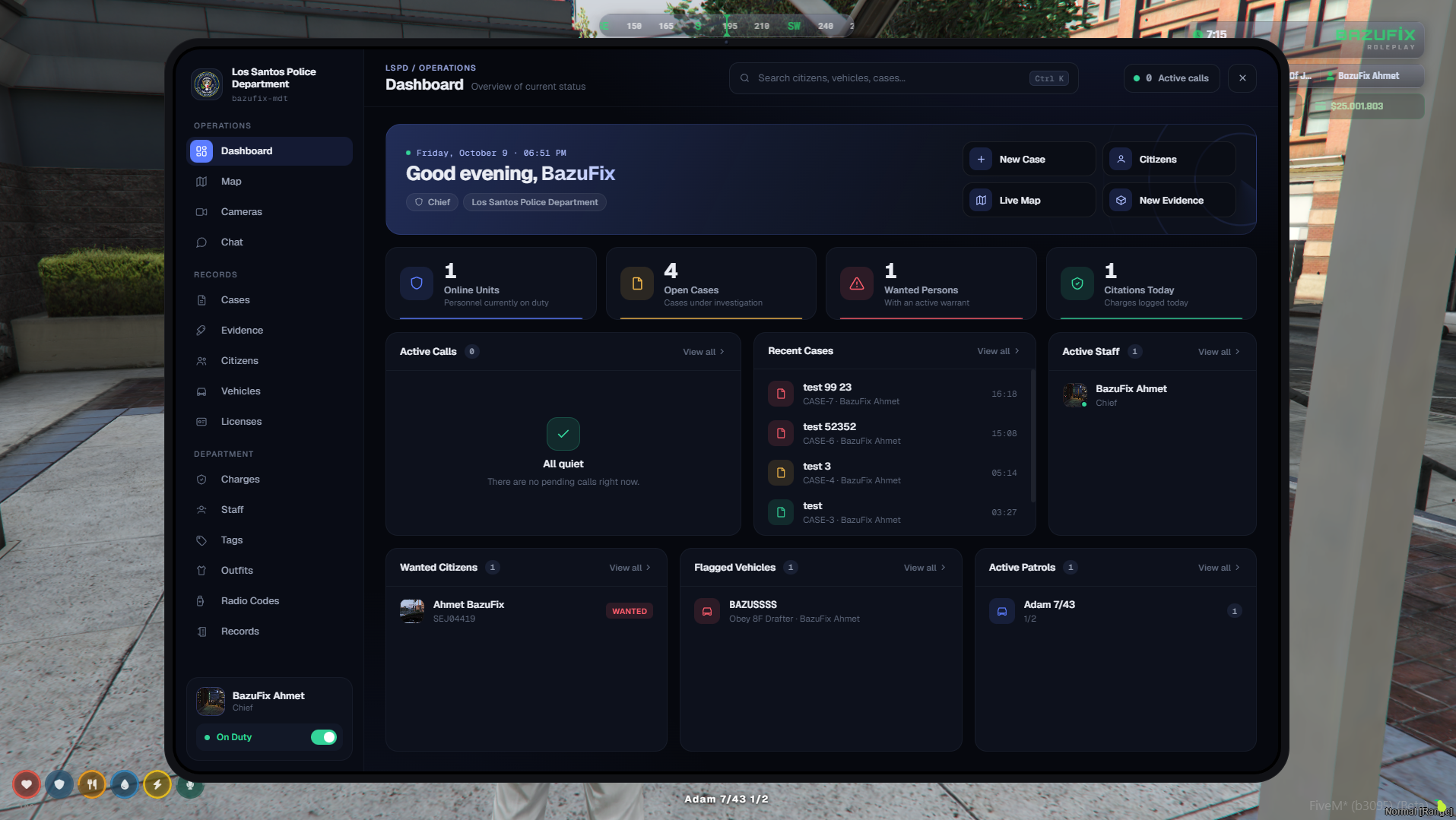
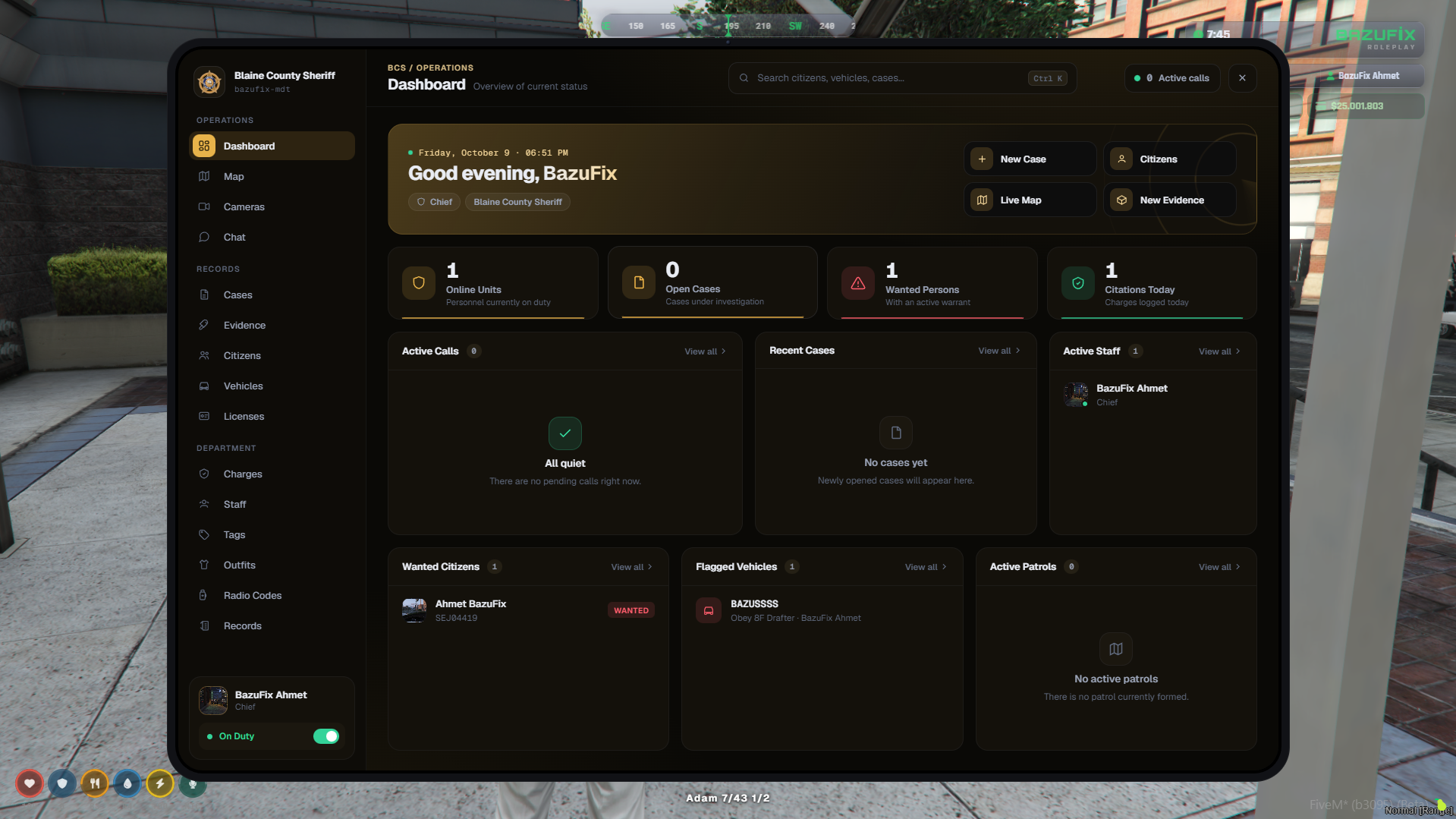
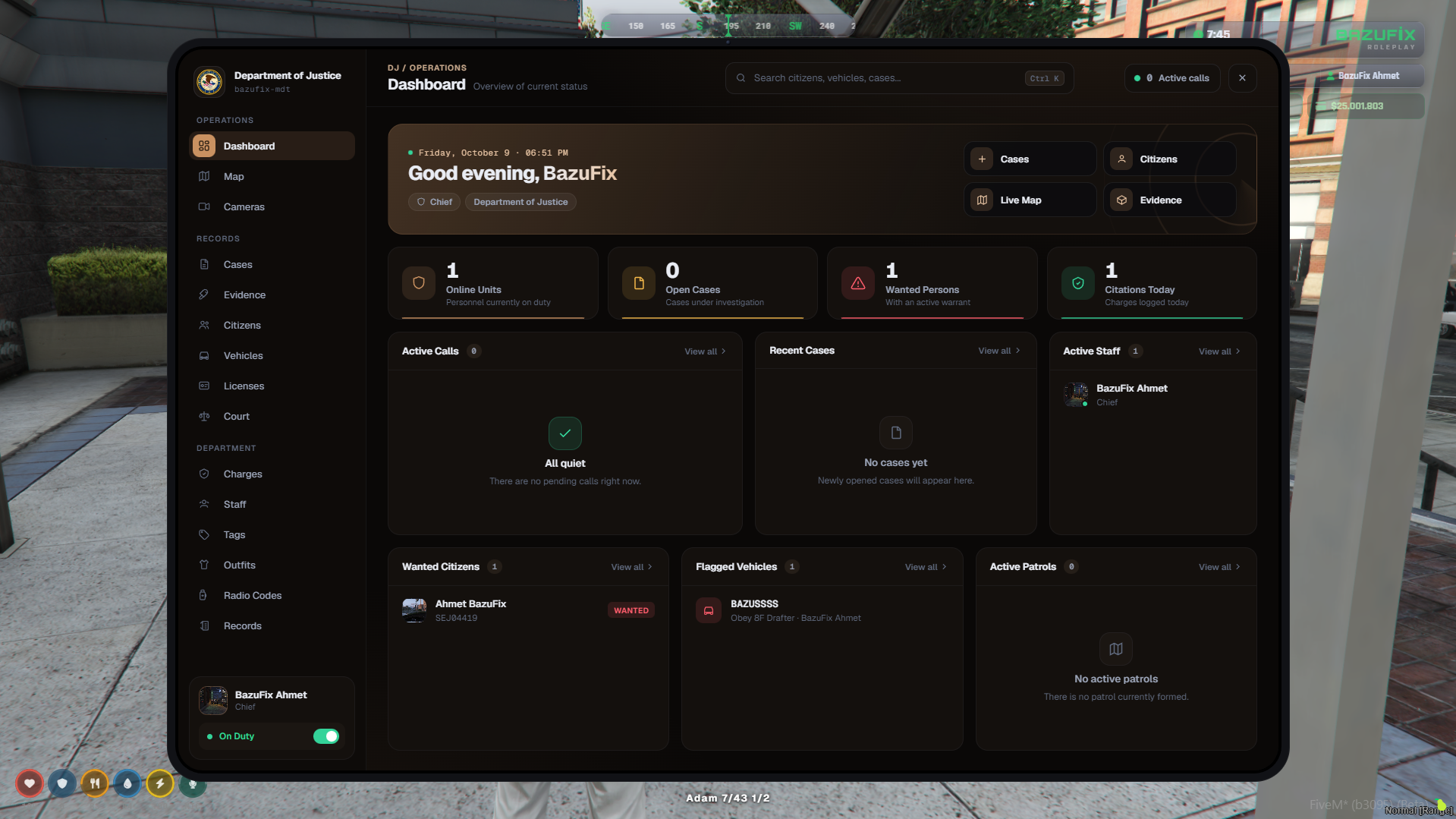
BazuFix MDT v2 is a complete Mobile Data Terminal and dispatch system for FiveM, built for Police, Sheriff, EMS, and DOJ departments. Version 2 brings a fully redesigned interface and many new features with automatic framework detection for QBCore, QBX (QBox), and ESX.
^block: New Features in v2 | Redesigned modern interface and tools
-
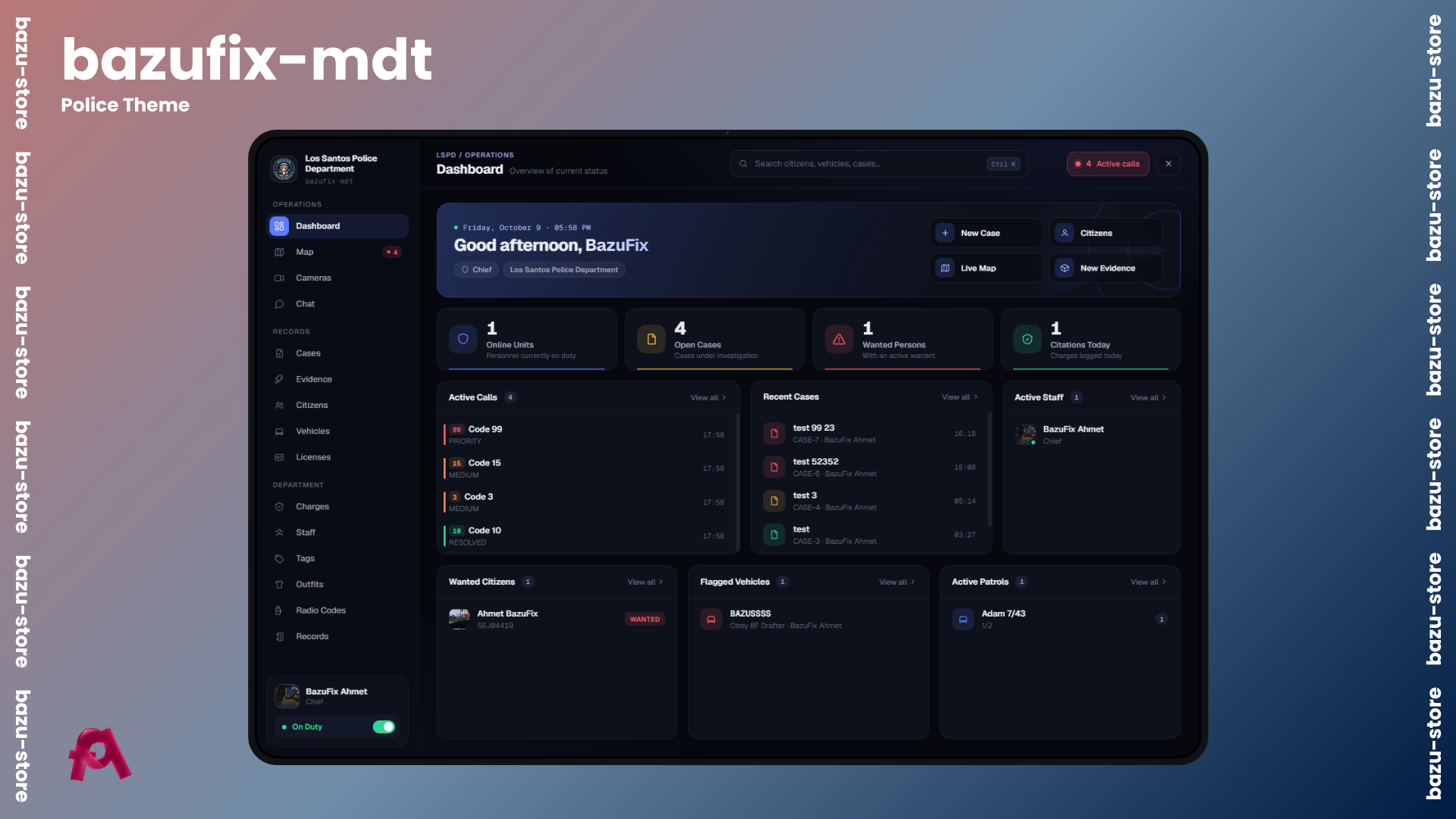
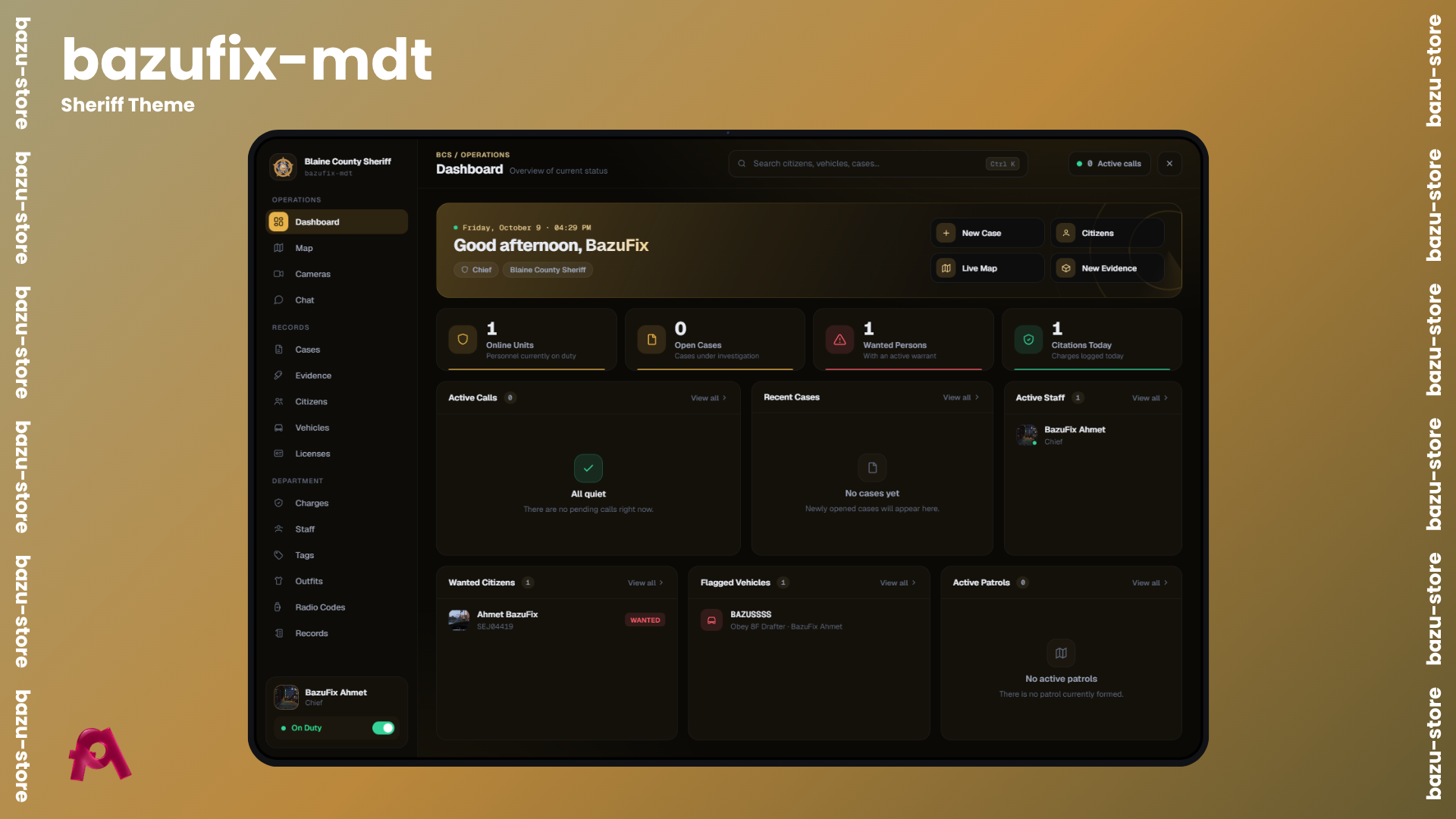
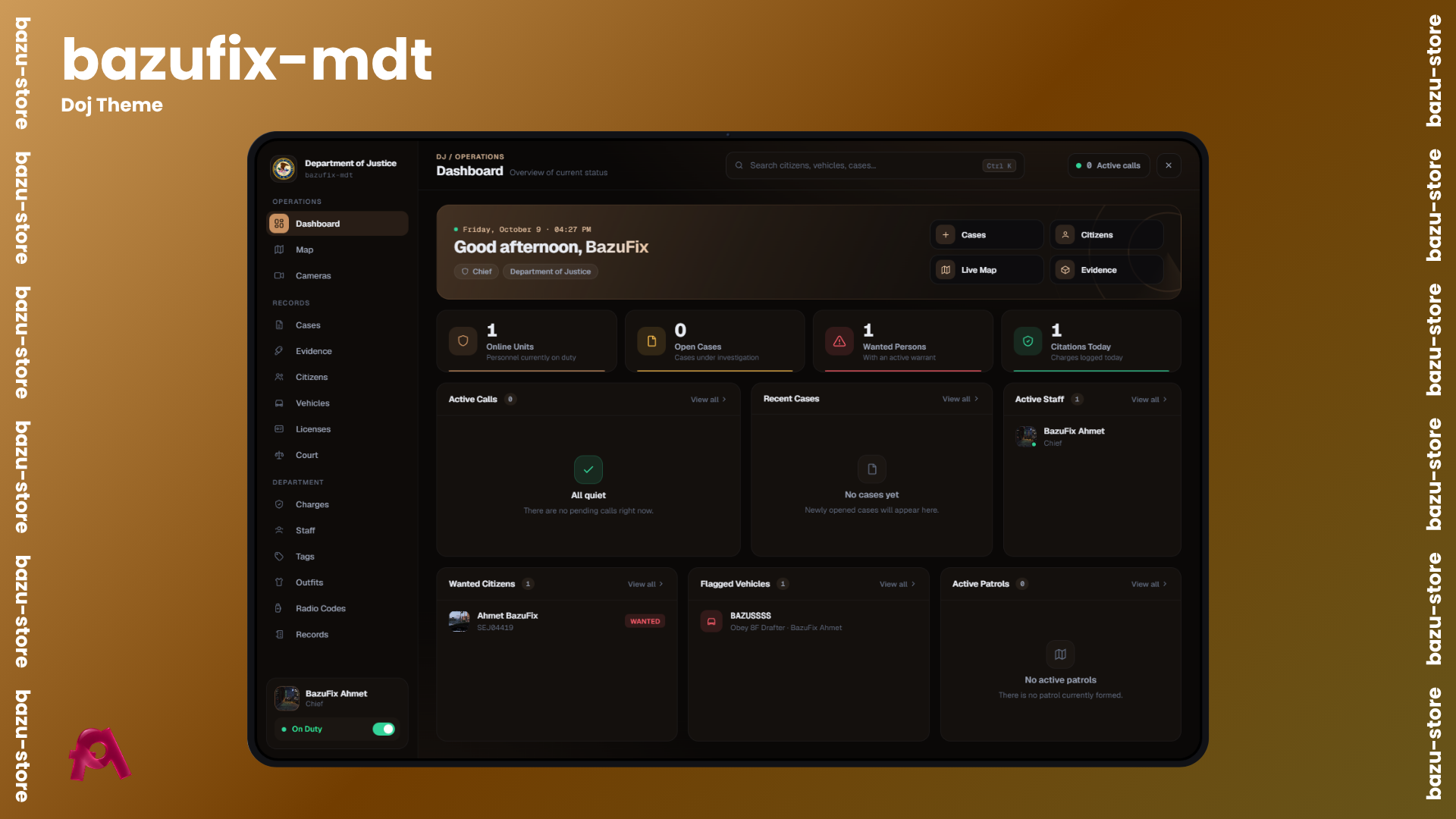
Completely redesigned modern interface with department-specific themes
-
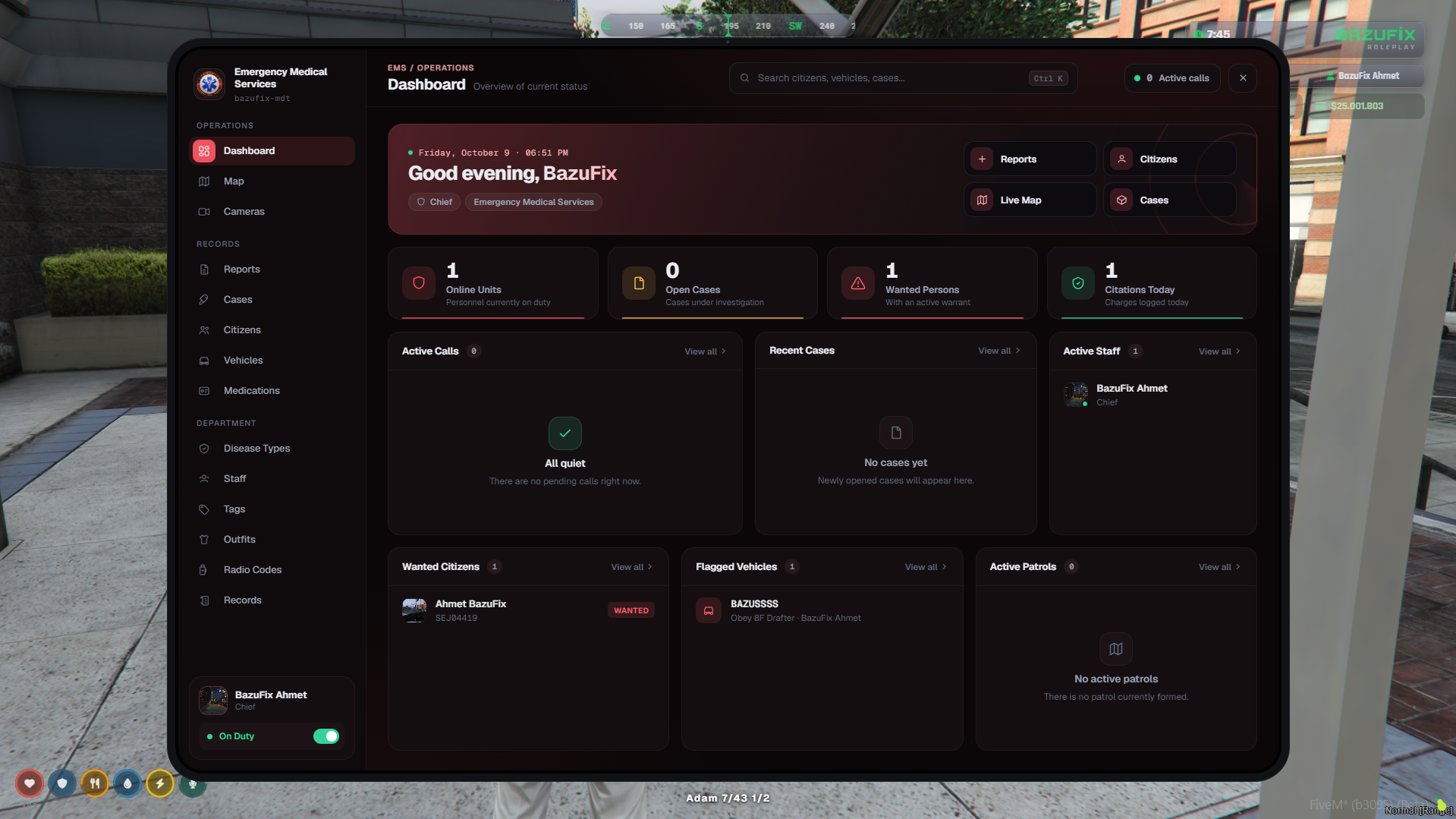
New dashboard featuring live stats, quick actions, and essential info on one screen
-
Global search (Ctrl + K) to quickly find citizens, vehicles, and cases from any page
-
High-resolution live map with smooth zoom and unit tracking
-
Redesigned evidence locker with item drop-offs and owner recording
-
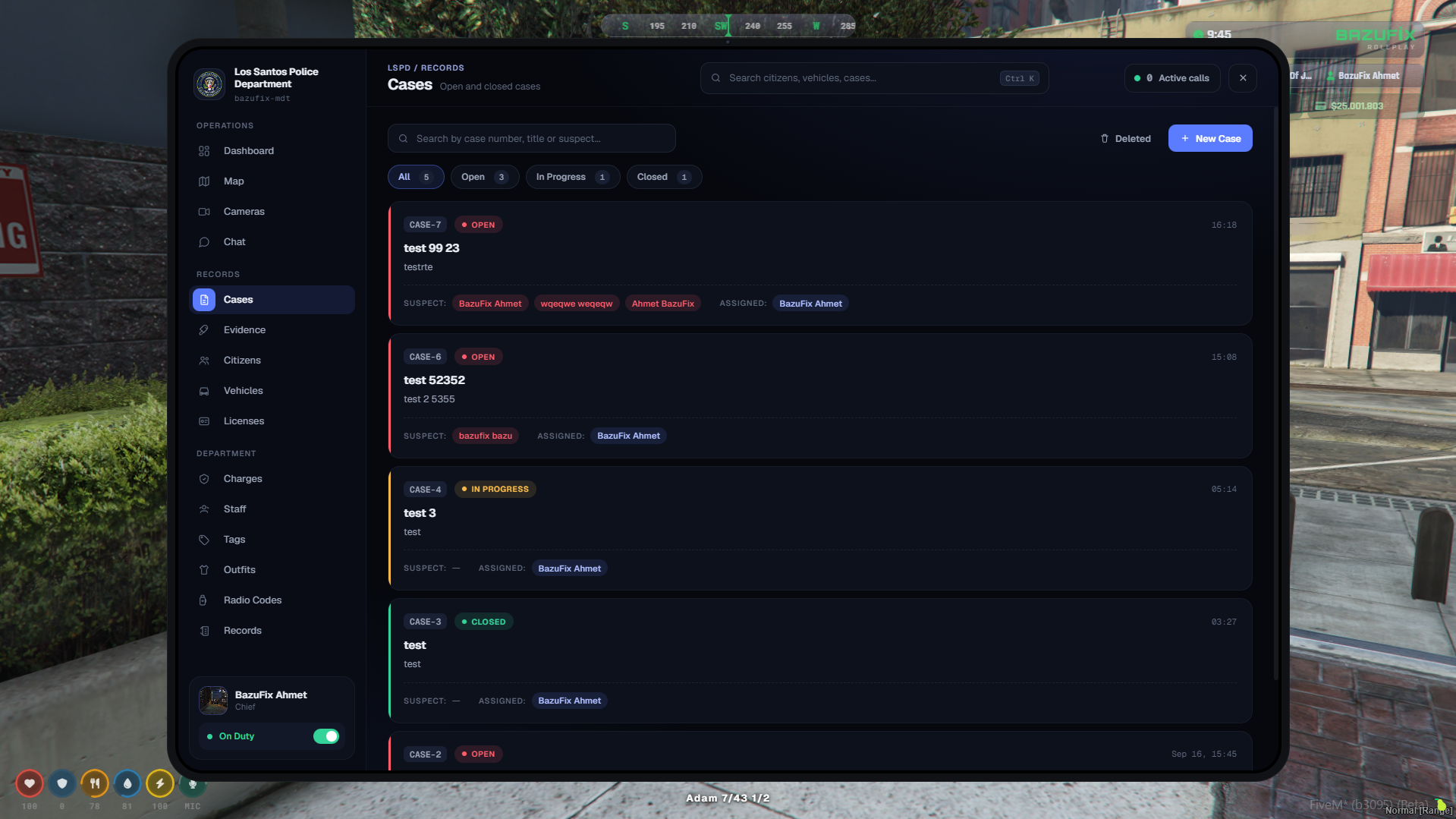
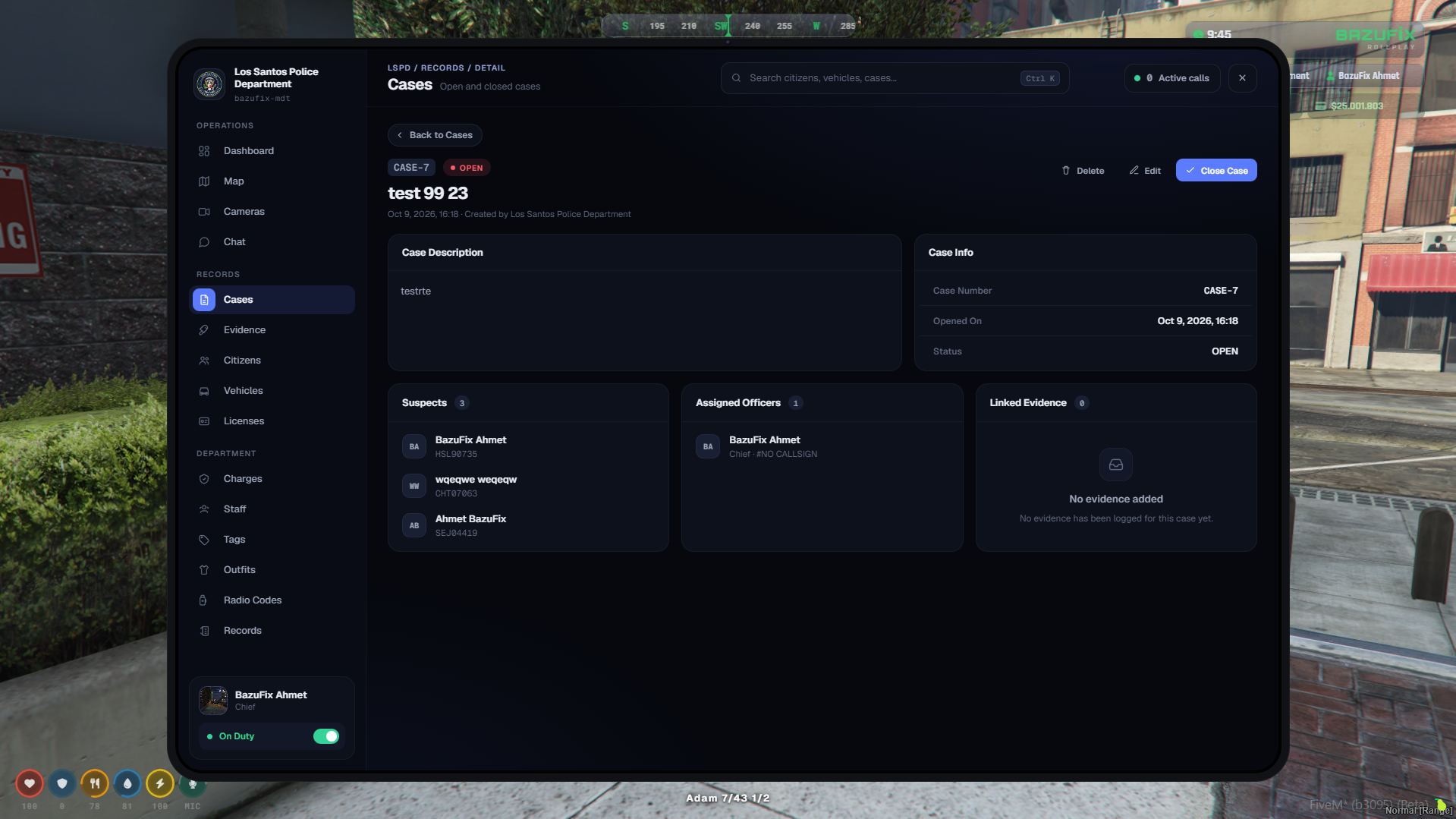
Delete and restore case/evidence files with permission checks, reasons, and full logging
-
Anti-spam protection limiting file opening frequency per player
-
License renewals with custom durations and dispatch alerts with 8 configurable screen positions
-
Optional Discord logs detailing before/after changes and automatic text UI / inventory image detection
^block: Department Features | Comprehensive tools for Police, EMS, Sheriff, and DOJ
-
Multi-department support with department-specific themes, labels, and access rules
-
Criminal records, warrants, and citizen profiles with photos
-
Evidence files supporting in-game photo and video recording with microphone audio
-
Live security cameras featuring ANPR and per-department access control
-
Flagged vehicles and wanted persons highlighted on the dashboard
-
Active personnel tracker with real-time duty status
-
Dispatch and incident management with auto event detection for gunshots, fights, explosions, crashes, and injured persons
-
GPS-based unit tracking on the live map along with licenses, charges, radio codes, outfits, and staff tags
-
Court case tracking for DOJ, department chat, and full audit logs of all actions
-
Configurable edit-protected penal codes, radio codes, per-job sidebar logos, and Turkish/English localization
^block: Easy Setup & Database | Plug and play configuration
-
Framework auto-detected on start or manually forced via config
-
Database tables created and updated automatically without manual SQL imports
^block: Documentation & Support | Resources and community
-
Check our documentation at
-
Join our Discord server for support and updates:
^frameworks: ESX | QBCore | QBox